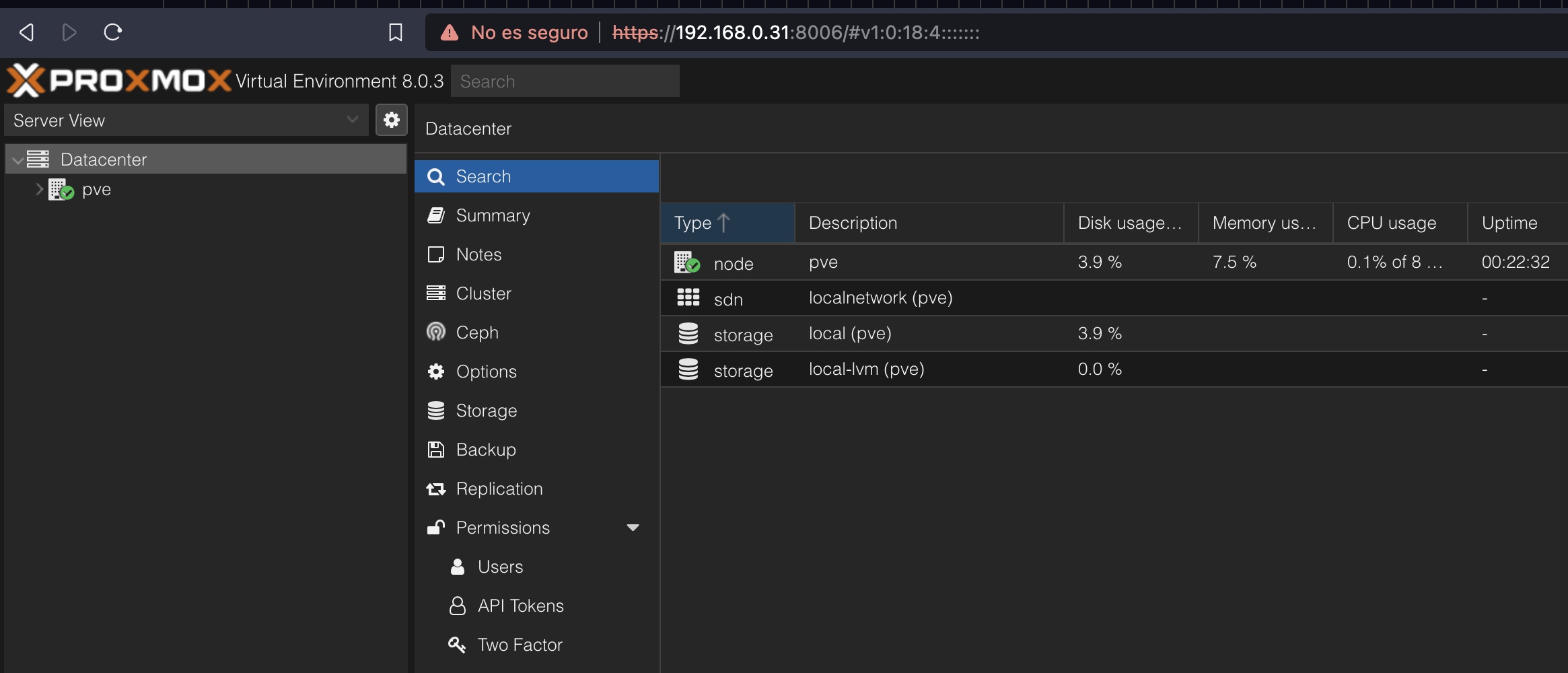
proxmox
create image to install into the laptop (usb unit is required)
Follow these steps:
- connect your
usb unitto the laptop - download iso image from website
- convert iso to dmg
hdiutil convert proxmox-ve_*.iso -format UDRW -o proxmox-ve_*.dmg - list the usb
diskutil list - unmount the usb to be formated and installed:
diskutil unmountDisk /dev/diskX, where is the number of the unit getting from the step before. - sudo dd if=proxmox-ve_*.dmg bs=1M of=/dev/rdiskX, setup the
x, and thermeans rapid.
install into the laptop
- connect your
usb unitwith the image to the laptop - Press F12
- disable bios security boostraping
- reboot
- Press F12
- install proxmox, choose the country, the language and the keyboard
- accept the hard drive
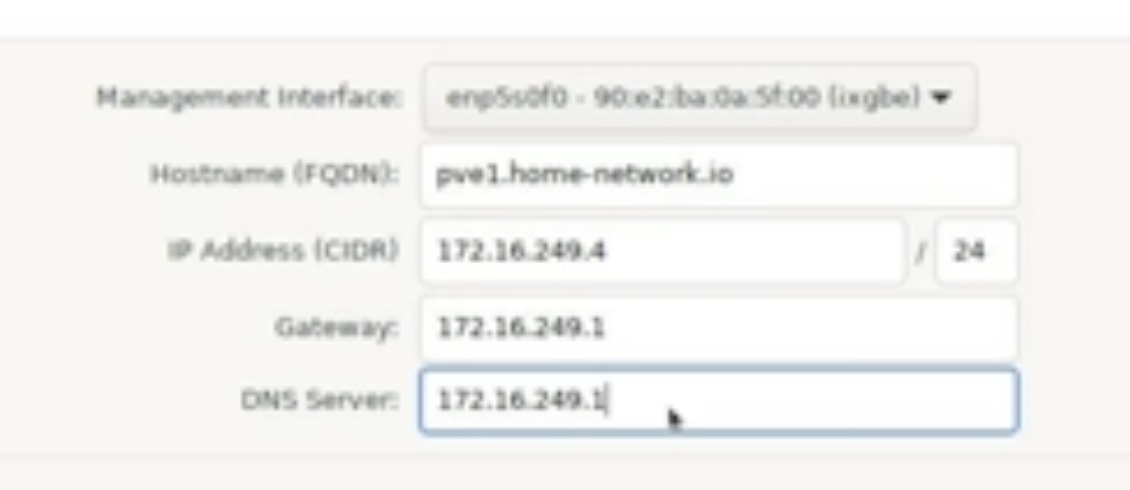
- setup the ethernet
en, don't choosewifi - go to the router, and look for the ip of the router. The router
ipwill be thegateway ipon the config. Choose a validipfrom the range inside the gateway
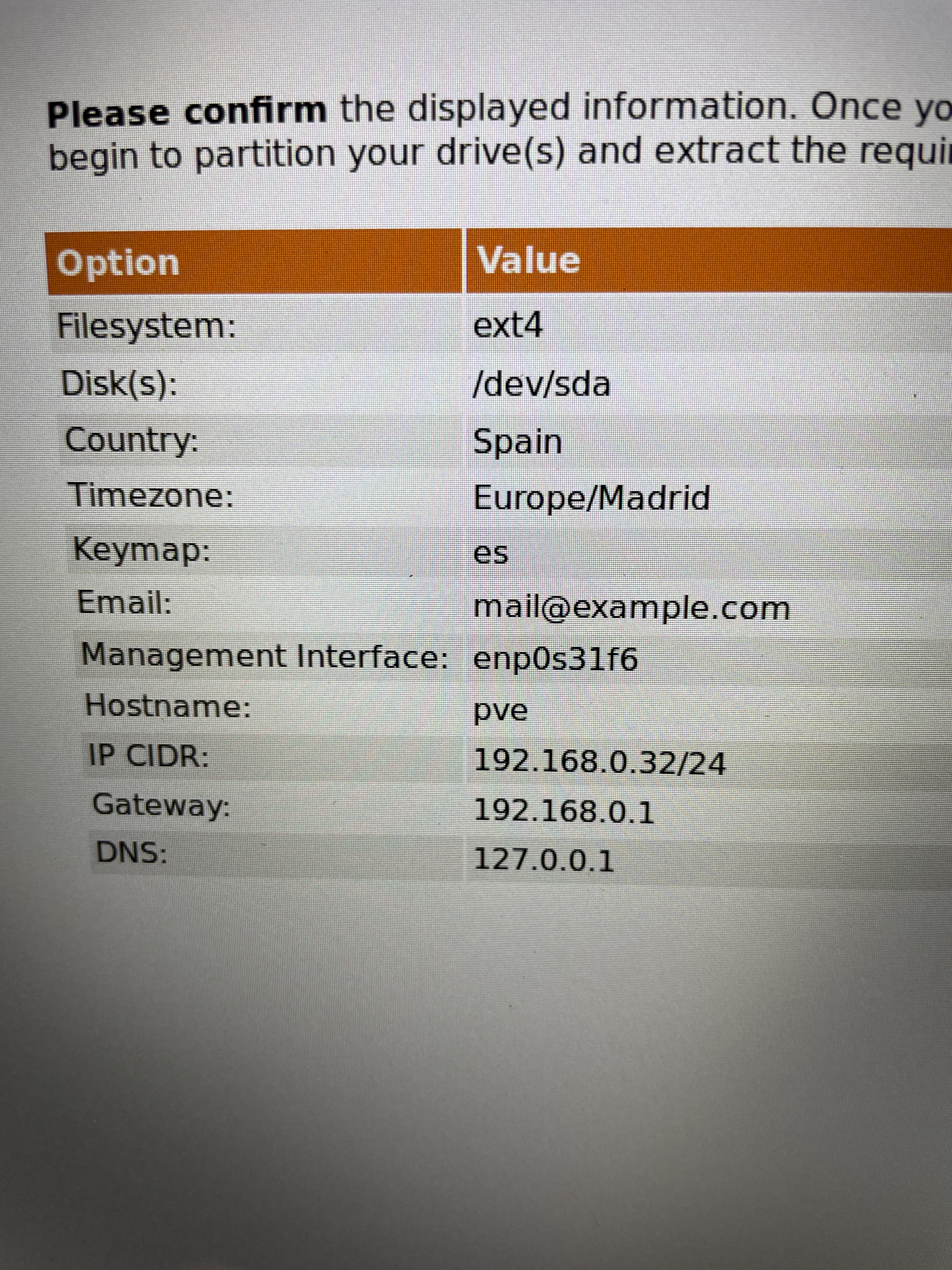
- accept all and reboot
- connect the laptop via ethernet to the router
connect to console
- use the
https://CIDR_ip:8006to connect remotely to the laptop - accept to visit the place
- login with the root / passwod